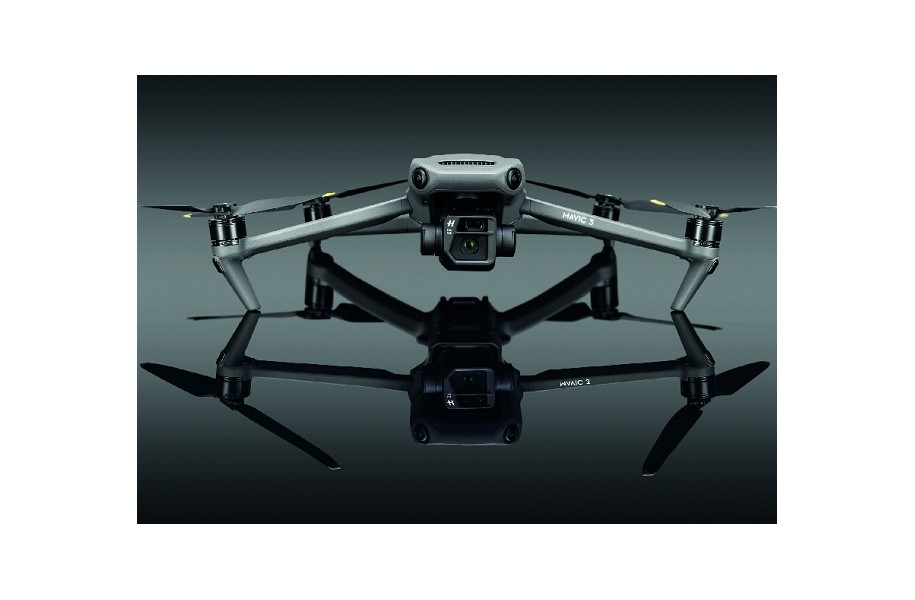
In this article, you will learn:
1. That the Mavic 3 has the C1 certificate from TÜV Rheinland (valid throughout the EU, plus NO/IS/LI).
2. What C1 means in OPEN A1: close to passers-by, but no crowds of people.
3. What applied without C1: 50 m distance or Slow Mode and A2 or A1/A3 proof.
4. What applies since 01.01.2024 for legacy drones without a class (≥250 g only A3, <250 g A1).
5. That the C1-Firmware update is necessary and irreversible – without the update, only A3 remains.
6. Which operational changes C1 brings (≤83 dB, ActiveTrack ≤50 m, LED logic).
7. Which duties/recommendations remain (C1 label, A1/A3 mandatory, A2 still sensible).
What exactly does C1 mean?
With C1, the DJI Mavic 3 may be operated in OPEN A1 – i.e., close to uninvolved persons, but never over crowds of people. Before C1, the rule was: max. 50 m horizontally from people or Slow Mode and A2 or A1/A3 proof.
Transitional Rules since 01.01.2024
<250 g: Operation in A1 is possible. ≥250 g up to 25 kg without CE class: only A3 (far away from people, ≥150 m from residential/commercial/industrial areas). Mandatory: Read the manual, A1/A3 training + exam. The A2 certificate is no longer mandatory, but remains technically useful.
-01.webp)
Firmware & Irreversibility
The C1 upgrade is performed via a firmware update (announced by the manufacturer) and is not reversible. Without the update: from 01.01.2024, operation only in A3 (uninhabited zones, ≥150 m distance from residential/commercial/industrial areas).
Changes after C1 Update
- Sound level ≤ 83 dB.
- ActiveTrack: automatic limitation to 50 m from the person/object, deactivated above that.
- Auxiliary LEDs: switch on automatically depending on the flight status.
- Front LEDs: flash by default from start to power off.
Step-by-Step: How to get C1
- Step 1 – Update Firmware: Update the drone and the app (Fly) to the latest version.
- Step 2 – Apply for C1: Start the C1 application in the app (popup or Service/Support).
- Step 3 – Apply Label: After receipt, affix the C1 label according to the instructions.
- Step 4 – Upload Proof: Upload a photo of the labeled drone as proof of conformity in the app.
- Step 5 – Download Certificate: Retrieve the C1 certificate in the app and carry it during flight operations.

Duties & Recommendation
C1 label is mandatory. A1/A3 competence remains prescribed; we still recommend the A2 certificate – it deepens technical and legal knowledge and contributes to safe missions.
Are you interested in this topic? Check it out!