In this article, you will learn:
1. How the Live Cockpit enables continuous monitoring & rapid analysis (keyboard-controlled, user-friendly).
2. How "Fly To" precisely brings you to the operational site with a click on the map – for verifying incidents.
3. How Waypoint Routes make planned patrols efficient with actions (photo, video, spherical panorama).
4. How Route Mapping generates 2D/3D maps directly in FlightHub 2 in the cloud – without additional software.
5. Why operations can start without RTK waiting time, thus reducing response times.
1) Live Cockpit
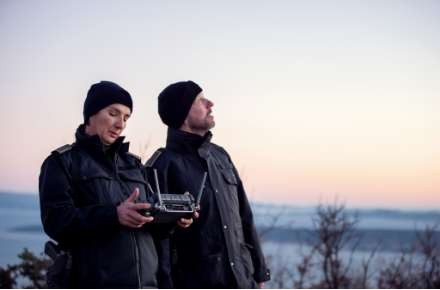
Keep an eye on objects and areas in real time, continuously analyze situations, and react immediately – even in risky situations. Operation is simple and suitable for inexperienced users; the drone can be easily controlled via a computer keyboard.
2) "Fly To"
Click on the target in the map image – the drone flies precisely there. Ideal for rapid verification or confirmation of reports and alarms.

3) Waypoint Route
Program timed "rounds" with defined waypoints and actions (start recording, photo, spherical panorama). This makes monitoring systematic, thorough, and cost-efficient.
4) Route Mapping
Create precise maps of the operational area directly in FlightHub 2 – 2D and 3D without additional software. The computing power is in the cloud, relieving local systems.

5) Start without RTK Waiting Time
Start missions immediately – without waiting for an RTK signal. In time-critical situations, you save valuable seconds and increase effectiveness.
Conclusion
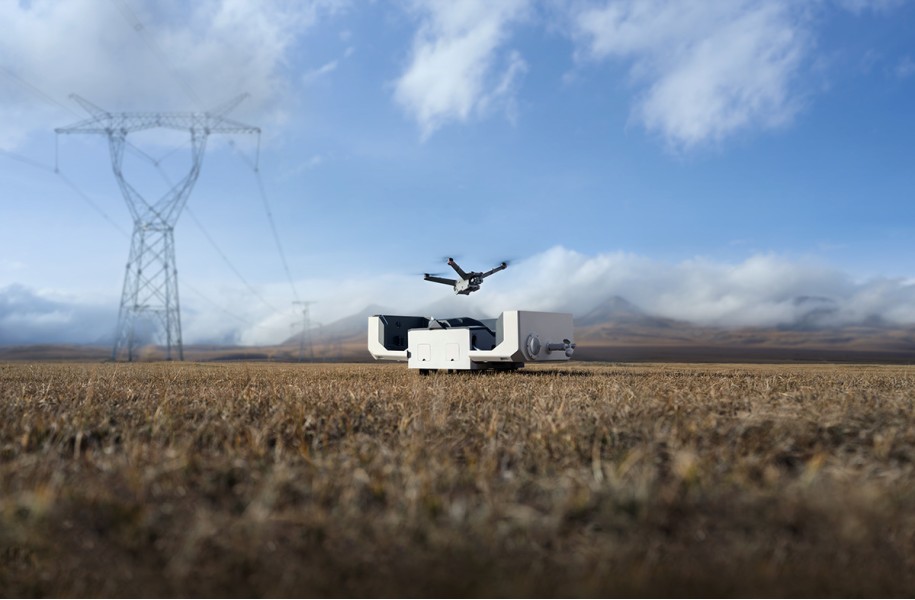
The DJI Dock 2 bundles functions for continuous monitoring and rapid response – from live analysis and precise approaches to cloud mapping.

Are you interested in this topic? Check it out!