What you will take away from this article:
1. Flying upwards creates depth and overview.
2. Bird's-eye view (Top-Down) clearly shows where the action is taking place – descent/rotation makes it more dynamic.
3. Flying forwards emphasizes the subject and its surroundings; the speed determines the pace of the clip.
4. Circling & Following provides 360° context; Mavic 3: ActiveTrack 5.0 follows in eight directions.
5. Combos (ascend + rotate/descend) for lively camera movements.
6. Other classics: Push In, Reveal Shot, Elevator, Crane Shot, Slider, Orbit Shot.
7. Want to learn more? Practical training at the DJI Academy (online & on-site).
1. Flying Upwards
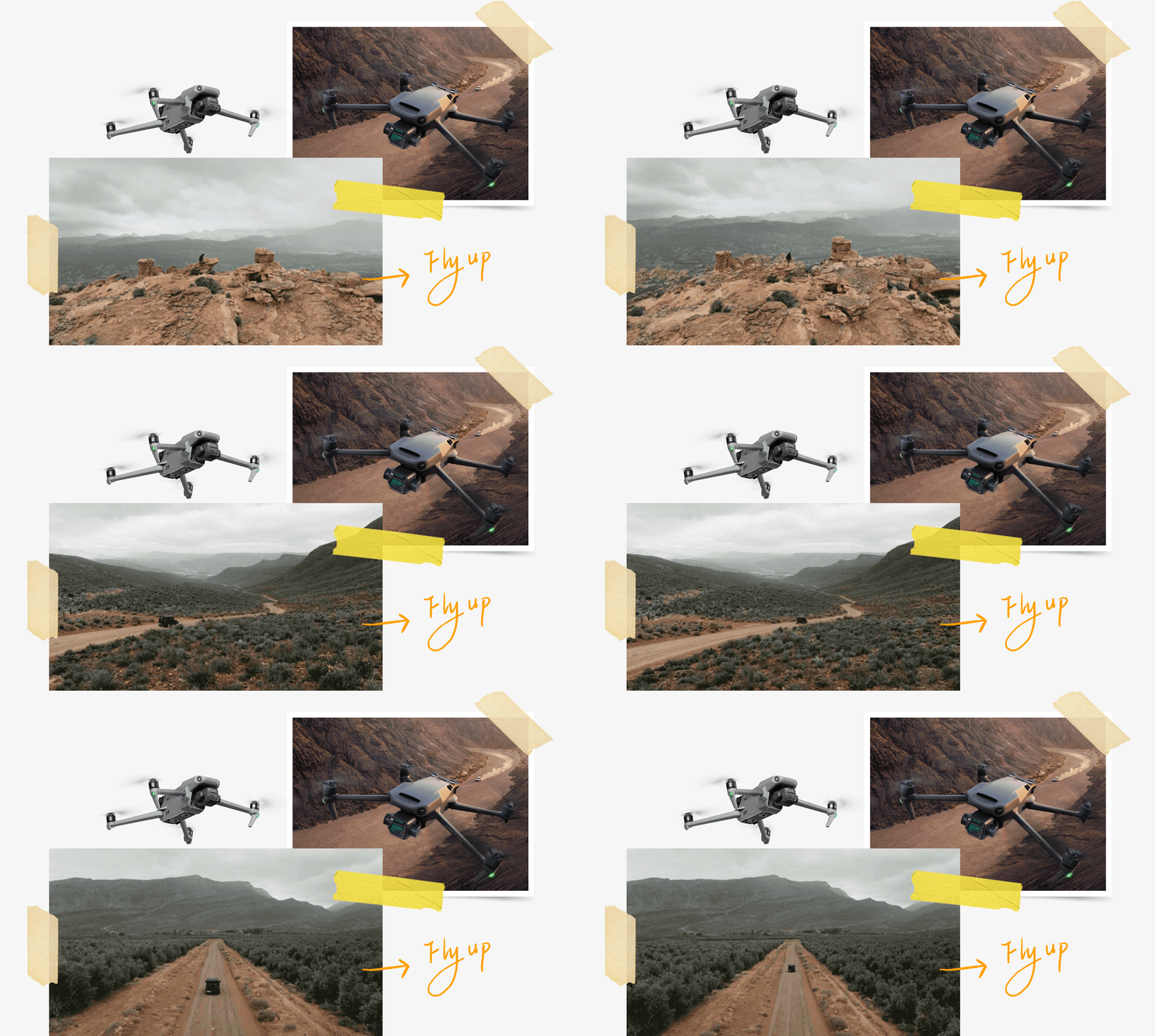
Fly the copter upwards to gain a new perspective on your surroundings. Your footage gradually adds more depth to the scene, and viewers can better understand their environment.
2. Bird's-eye View
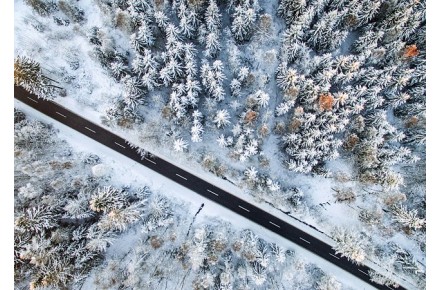
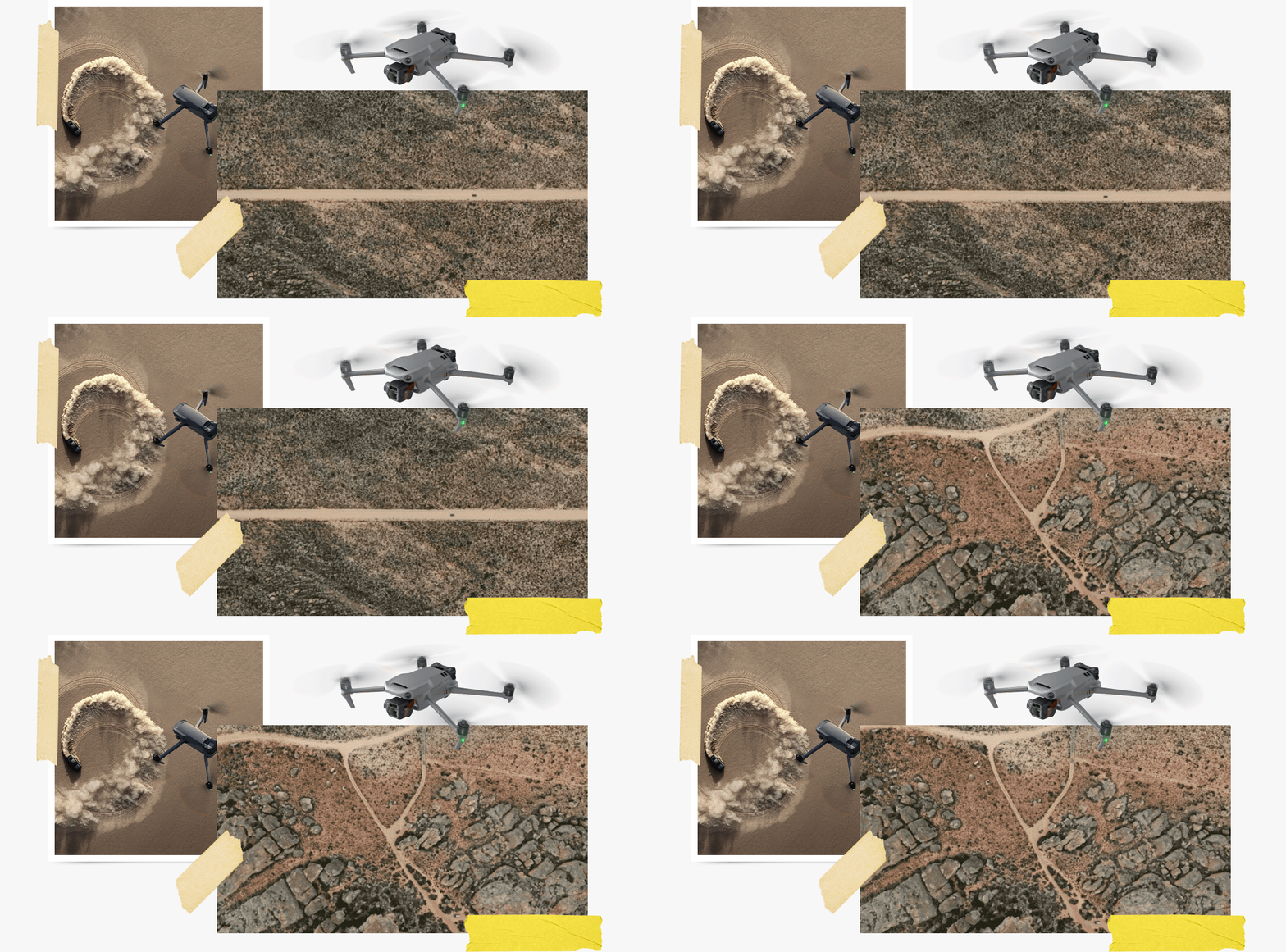
Use your drone to capture a bird's-eye view while filming from top to bottom. This gives you an unobstructed view of the scene and allows you to directly show where the action is taking place. To prevent the shot from appearing too ordinary, you can control the drone to simultaneously descend or rotate to add more dynamism to the image.
3. Flying Forwards
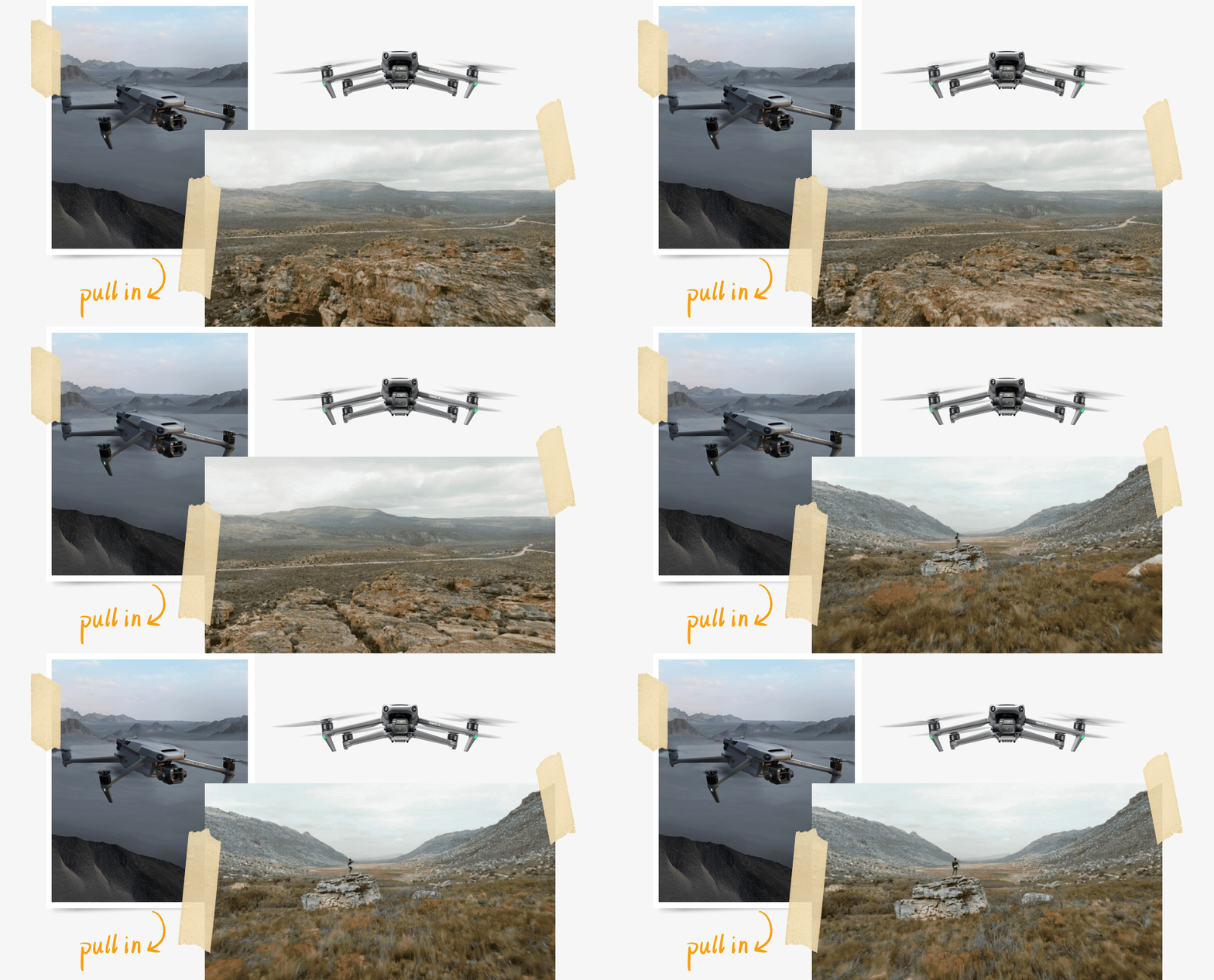
Fly towards the subject and gradually decrease the distance between the drone and the subject. This way, you can effectively illustrate the relationship between the subject and the environment while emphasizing the subject itself. The flight speed also affects the pace and style of the footage.
4. Circling and Following
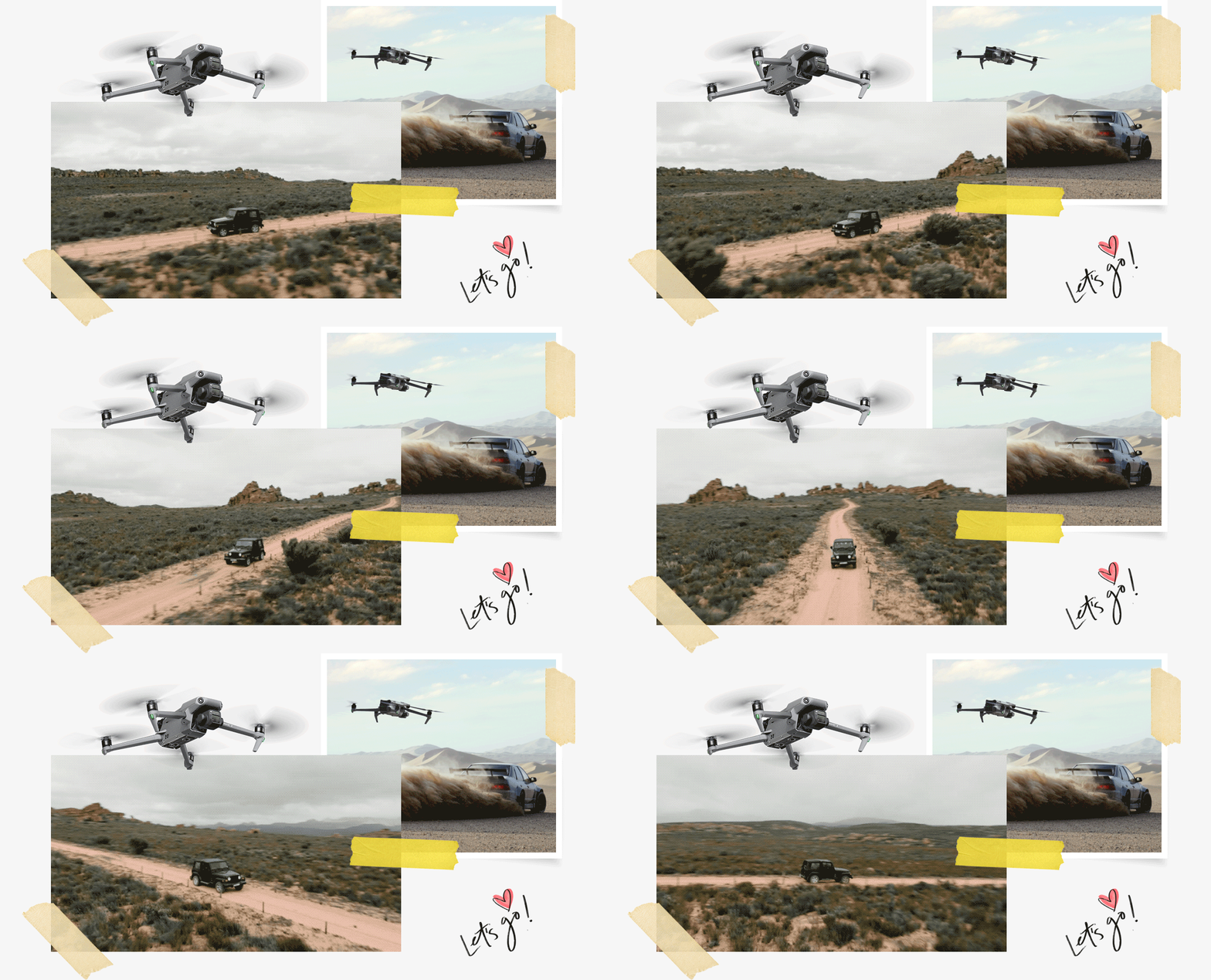
Fly around your subject to get a 360° perspective of your surroundings. This highlights the differences between the subject and the environment in terms of size, movement, and location. The Mavic 3 is unique in this respect. It features ActiveTrack 5.0 technology, allowing you to follow your subject in eight directions for wide camera movements.
Next up: Push In; Reveal shot; Elevator; Crane Shot; Slider; Orbit Shot and much more.
These are just a few tips that will quickly help you understand how to use the drone and create great drone videos and drone photos. Are you curious about more now?
The DJI Academy offers training for every application, covering basics, licenses, and professional areas. Visit the DJI Academy online or at one of our many training locations.
Are you interested in this topic? Check it out!